Skip to content

Gemstar Cleaning Supplies International

Menu
  • HOME
  • ABOUT US
  • PRODUCT BRAND
    • 3M
    • Black Panther
    • Diversey
    • Ecolab
    • Indoplas Philippines Inc.
    • Kimberly Clark
    • Orocan
    • Rubbermaid
    • Sanicare
    • SCJohnson
    • Unilever
    • Wilson
    • Zim
  • CONTACT US
  • HOME
  • ABOUT US
  • CART
  • CONTACT US
  • MY ACCOUNT
  • SHOP
Shop Now!
  • Previous Product
  • Next Product

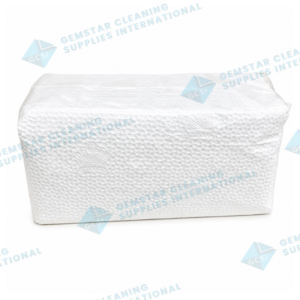
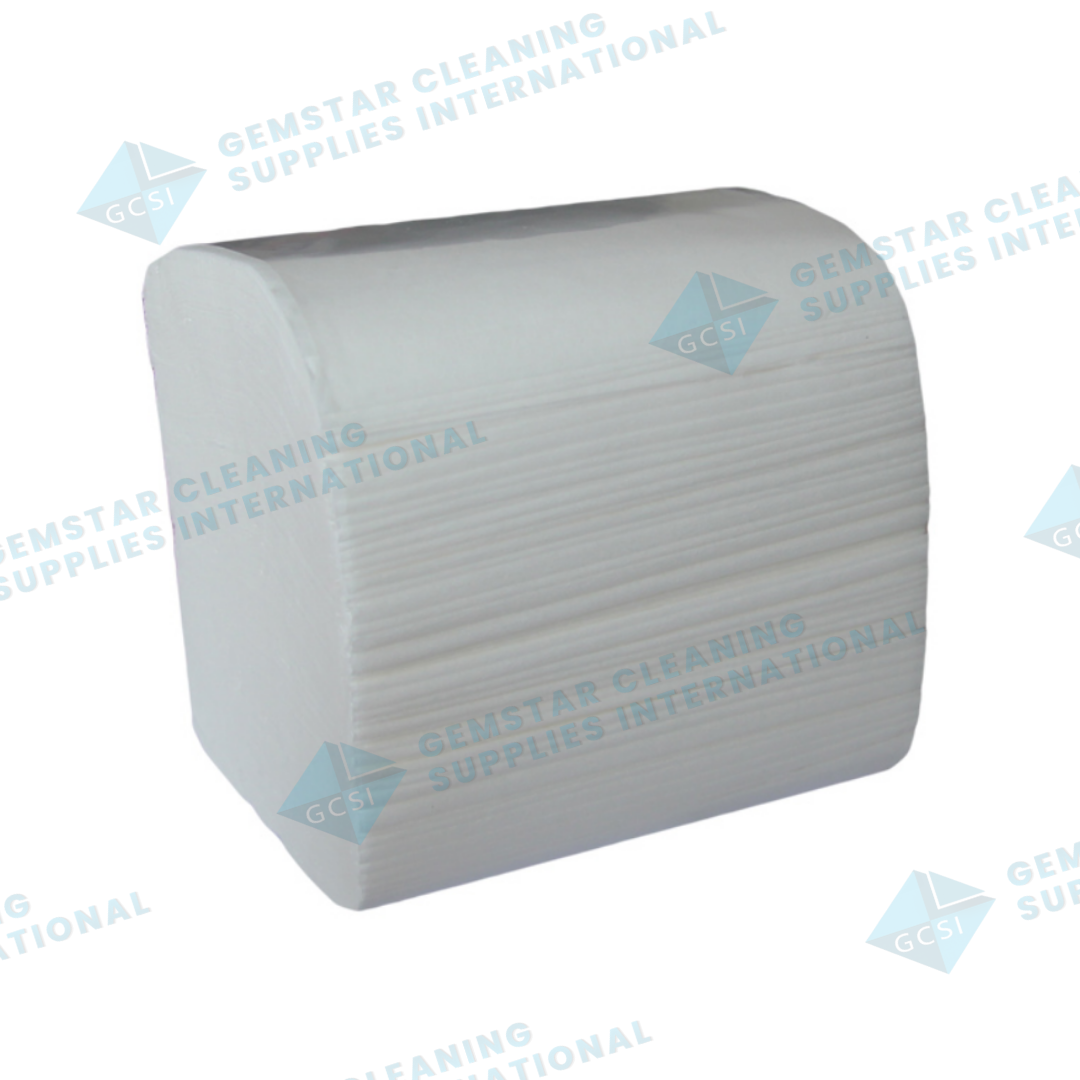
INTERLEAVE TISSUE

₱1,248.00

SKU: T6 Category: Paper Product
  • Description
  • Reviews (0)

Description

400 SHEETS x 48 PACKS / CASE

Reviews

There are no reviews yet.

Only logged in customers who have purchased this product may leave a review.
Related products

  • TISSUE ROLL 2PLY  VIRGIN PULP, UPSIZE
    • TISSUE ROLL 2PLY  VIRGIN PULP, UPSIZE
    • TISSUE ROLL 2PLY VIRGIN PULP, UPSIZE

    • ₱1,725.00
    • Add to cart
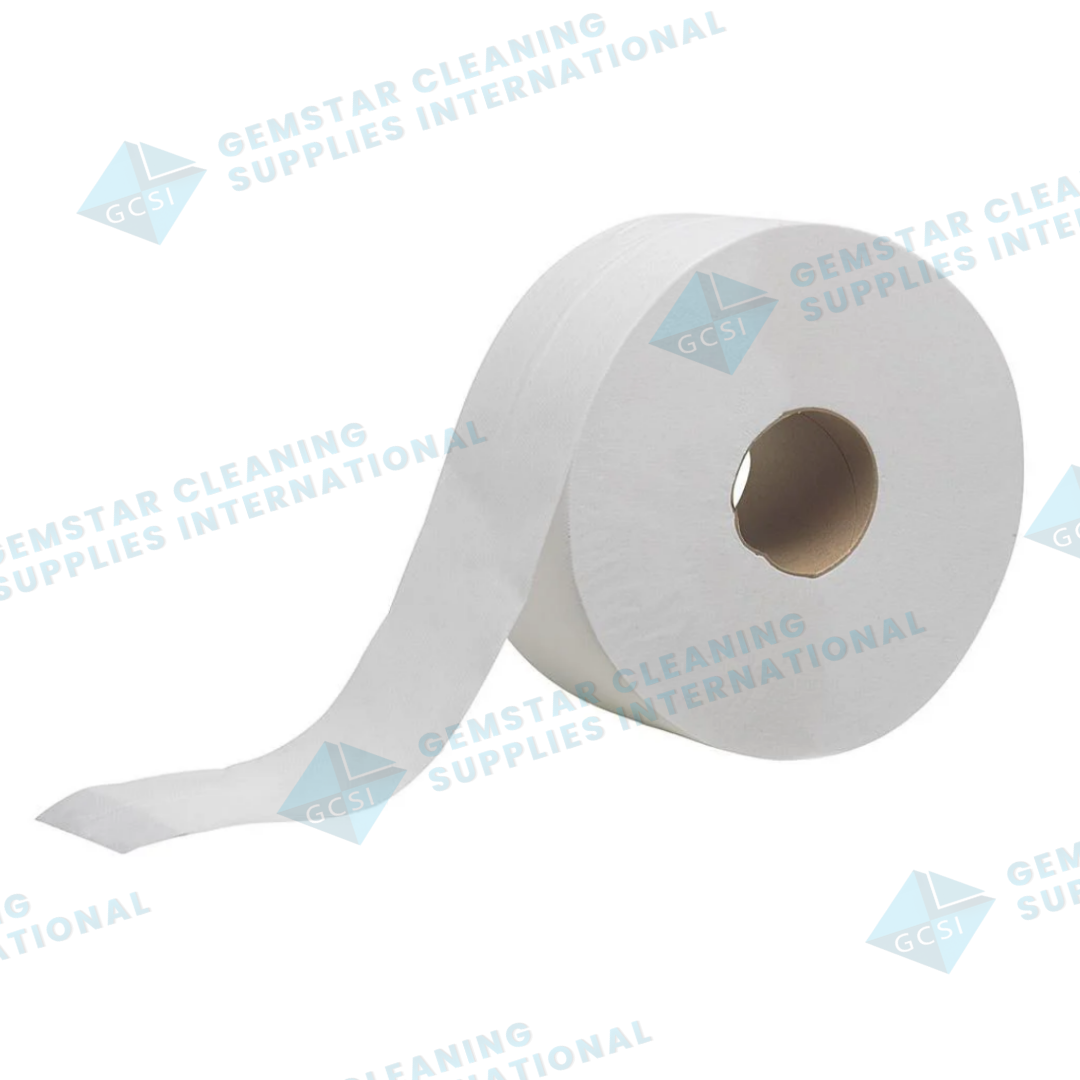
  • JUMBO ROLL TISSUE 200m
    • JUMBO ROLL TISSUE 200m
    • JUMBO ROLL TISSUE 200m

    • ₱1,284.00
    • Add to cart
  • HAND ROLL TOWEL VIRGIN PULP
    • HAND ROLL TOWEL VIRGIN PULP
    • HAND ROLL TOWEL VIRGIN PULP

    • ₱1,838.00
    • Add to cart

Your One Stop Shop for Cleaning Needs

QUICK LINKS

  • Home
  • Shop
  • Cart
  • My Account

GET IN TOUCH

  • 47 C Lincoln St. Brgy. San Antonio, Quezon City
  • 09952906808
  • 8982-0664
  • 3411-1473
  • info@gemstarcleaningsupplies.com

Payment Methods

Copyright © 2026 Gemstar Cleaning Supplies International | Powered by PH Premium Digital Marketing
×

Cart

Step-by-Step Guide

How to Install Web App on Apple

Open Safari

  • Open the Safari browser on your iPhone or iPad.

Go to the website

  • In the address bar, type: https://gemstarcleaningsupplies.com/

Tap the Share Button

  • At the bottom of the screen,
  • tap the Share icon
    (the square with an arrow pointing up).

Select “Add to Home Screen”

  • Scroll down the options and tap: Add to Home Screen

Name the app

  • You will see a preview like: RoadKidz Motorparts

  • Tap Add in the top right.

Open the web app

  • The RoadKidz icon will now appear on your home screen.
  • Tap it anytime to open the website like a mobile app.
Step-by-Step Guide

How to Install Web App on Android

Open the Web App in your browser

  • Open Google Chrome (recommended) or another browser on your Android phone.

  • Go to the website/web app link you want to install.

Wait for the website to fully load

  • Make sure the entire page finishes loading.

  • Some web apps show an “Install App” popup automatically.

Tap the Browser Menu

  • Tap the ⋮ (three dots) in the top-right corner of Chrome.

Select “Add to Home Screen”

From the menu, tap:

Add to Home Screen

or

Install App

(Depending on the website’s configuration)

Result:
You can now open the web app directly from your phone without typing the website again.